

Route GitHub MCP traffic through Formal to control and log what AI agents do in GitHub: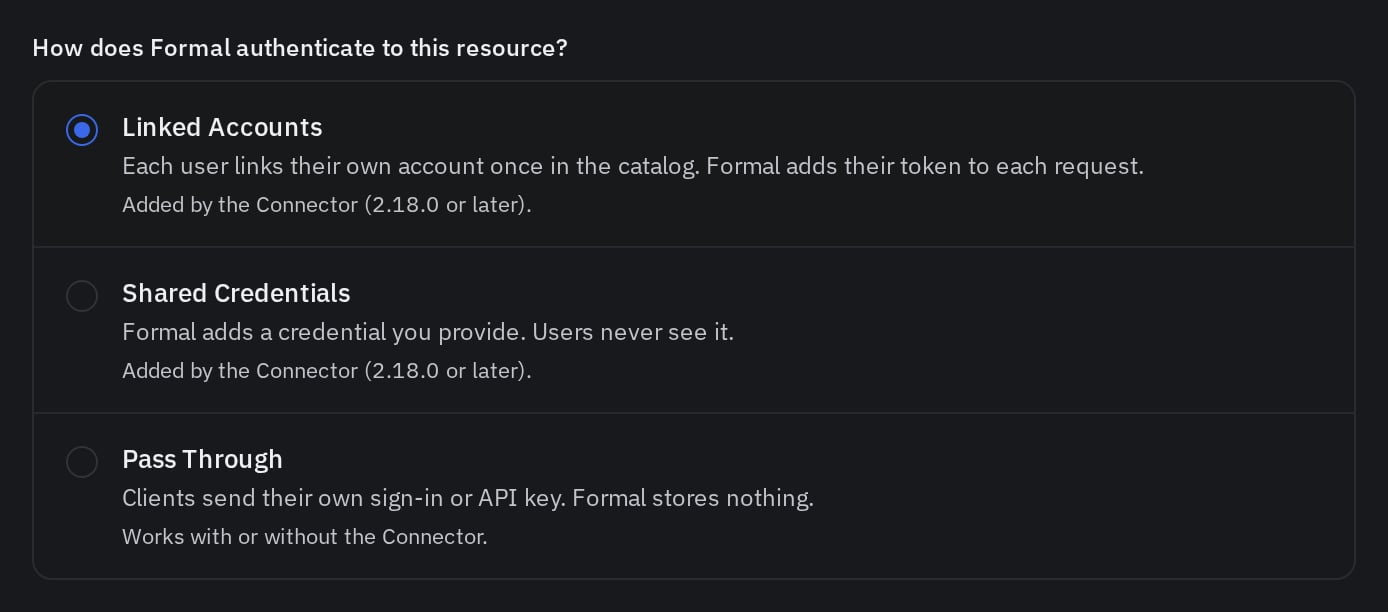
The rule matches known agents only.
See Identity headers.Cloud agents such as Claude, ChatGPT and Cursor Cloud Agents don’t run the Endpoint.
Point them at this server’s Connector address, See MCP resources for the
- Block risky tools, such as
create_or_update_file. - Mask sensitive data in tool results, such as emails in
list_commitsresponses. - Keep credentials at the Connector, so users and agents never see GitHub tokens.
- Log every tool call with the user, the MCP client and its parameters.
0. Prepare your Connector
The Connector needs an MCP listener and a hostname with wildcard DNS and TLS. Set them up once by following Deploy the Connector. Every MCP server reuses them.1. Add GitHub MCP server to your Resources
- UI
- Terraform
- Pulumi
- API
 UI
 Terraform
 Pulumi
- Open the Admin Catalog and click Add MCP.
- Select the GitHub template.
- Enter a DNS-label Name, such as
github. - Choose the Space containing your Connector, such as
default. - Configure upstream authentication as described below, then save.
No Connector is in this server's Space.2. Setup Authentication
- Linked Accounts (Recommended)
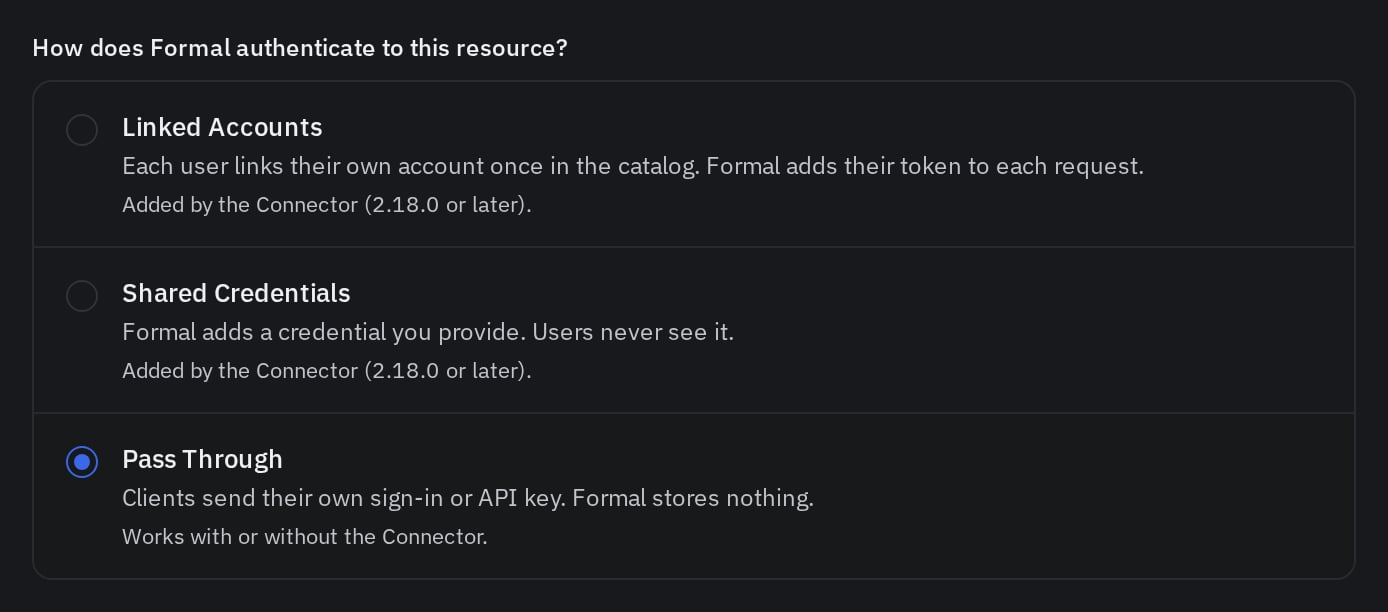
- Pass Through
Each user links their own GitHub account once in the Employee Catalog, and the Connector sends that user’s token to GitHub.
1. Formal’s App (default)
Formal has a registered OAuth app with GitHub, so you register nothing. Users see Formal on GitHub’s consent screen.2. Your OAuth App
Users see your app’s name on GitHub’s consent screen.Set up your own GitHub OAuth app
Set up your own GitHub OAuth app
See GitHub OAuth documentation and register an app.
1
Register an OAuth app
Go to Settings > Developer settings > OAuth apps and click New OAuth App.
2
Describe the app
Enter an Application name and a Homepage URL. Use an organization’s Developer settings for an org-owned app.
3
Add the redirect URI
Paste Formal’s Redirect URI into Authorization callback URL, then click Register application.
4
Review scopes
OAuth apps have no scope settings. Scopes like
repo and read:org are requested at sign-in.5
Copy the credentials
Copy the Client ID. Click Generate a new client secret and copy the Client secret.
6
Enter the app in Formal
- UI
- Terraform
- Pulumi
- API
Back in the Admin Catalog, enter the Client ID and Client secret, then save.
Users then link their accounts on the GitHub server’s page in the Employee Catalog.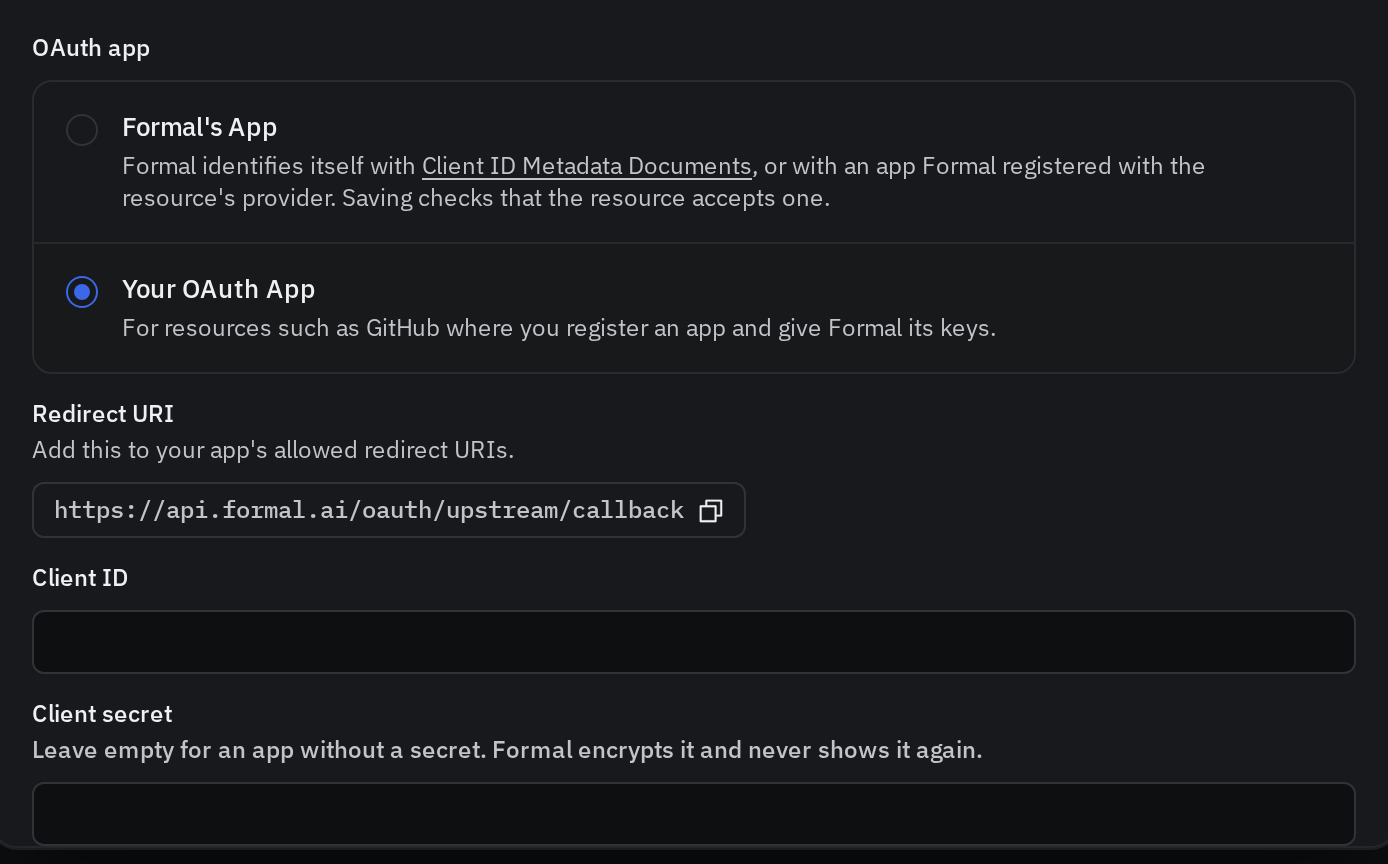
3. Route Endpoint traffic
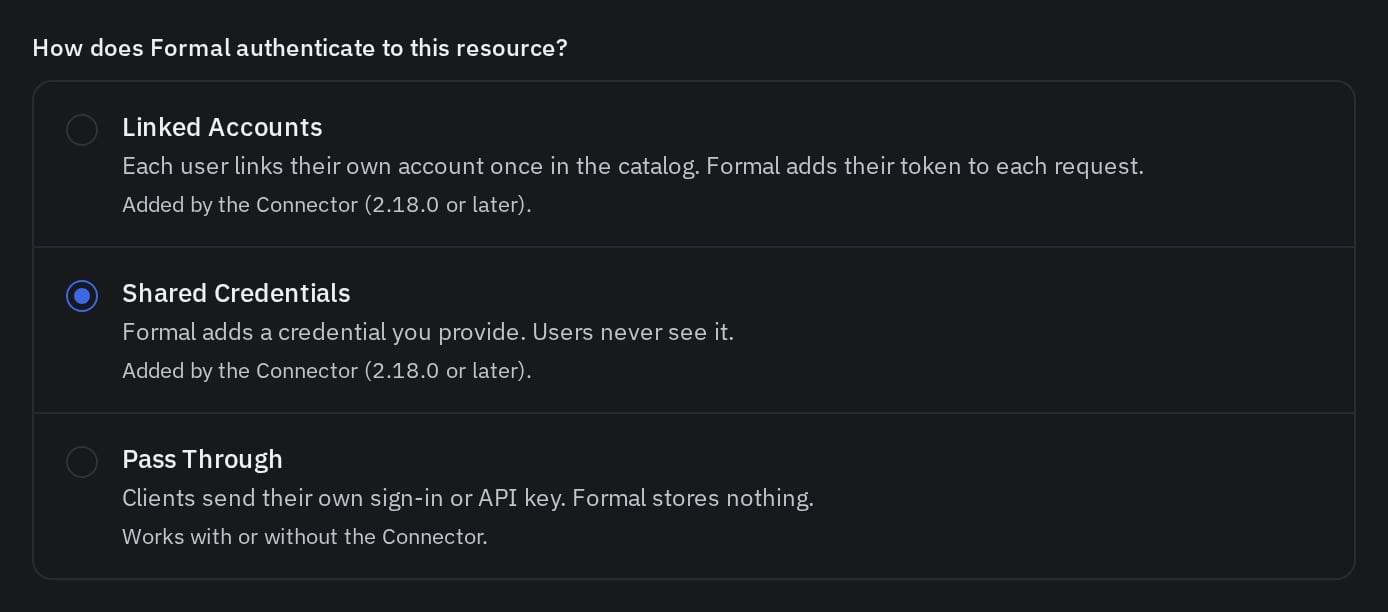
Auth is managed at the Connector level when you use Linked Accounts or Shared Credentials, so the Endpoint needs to forward the MCP traffic to it. Laptops and VMs with the Formal Endpoint keep usinghttps://api.githubcopilot.com/mcp/, and a network rule sends that traffic to the Connector.- UI
- Terraform
- Pulumi
- API
- Go to Network Rules and create a rule named
github-mcp. - Paste this expression, set the rule to Active, then save:
https://github.<connector-hostname>/mcp.
Find it in the Admin Catalog: open GitHub, then copy Connector address on the Configuration tab.4. Create policies
Tools
The Admin Catalog lists these tools for GitHub:Policies examples
- Block a tool
- Mask a tool's output
This policy blocks the tools that change data, so agents can only read GitHub.
input.mcp fields and Rewrite Action for body rewrites.5. Check the logs
Open Logs and search forresource.name:github.
Each GitHub tool call is one request log with the user, the MCP client and the tool.
Open a log to see its tool parameters and the policies it triggered.
A blocked write shows the block policy and its message.
A masked search shows the rewrite policy.See Logs for search syntax and filters.Troubleshooting
The agent says Formal has no current sign-in
The agent says Formal has no current sign-in
The agent relays:
Formal has no current github sign-in for you. Link or re-link your github account in Formal…Cause: The user never linked GitHub, or the token expired and couldn’t be refreshed.Fix: Open the server in the Employee Catalog and link GitHub again.The agent says GitHub rejected your credentials
The agent says GitHub rejected your credentials
The agent relays:
github rejected your credentials. Link or re-link your github account in Formal…Cause: GitHub no longer accepts the linked token, for example after the user revoked access in GitHub.Fix: Link GitHub again from the Employee Catalog.With Shared Credentials, the message asks the user to contact an administrator. Replace the token in the server’s Shared Credentials.Laptop traffic doesn't appear in Logs
Laptop traffic doesn't appear in Logs
Cause: The Endpoint isn’t running, or the network rule doesn’t match the client.Fix: Check the Endpoint is connected. The rule above only matches known agents. Other clients, such as a browser, reach GitHub directly unless the rule also matches them. See Network rules.
MCP clients can't connect directly yet
MCP clients can't connect directly yet
Cause: The Configuration tab lists the reason, most often
No Connector is in this server's Space.Fix: Edit the server and choose the Space containing its Connector.Next Steps
MCP Gateway
Configure Connector routing and downstream access
All MCP servers
Browse every MCP server template