

Introduction
Formal’s permission system is built on the Open Policy Agent (OPA), allowing you to restrict user access to specific applications through Rego policies. By defining granular permissions, you can ensure users have access only to the applications necessary for their roles and responsibilities. These permissions are enforced against our API endpoints.Default permissions
Upon account creation, Formal operates under an allow-by-default model. Meaning, by default, if no permission blocks an endpoint for a given user, then the endpoint is allowed.Permission Model
Unlike other software products, Formal does not have the traditional concept of Roles. Instead, users can leverage Permissions to create role based access control (RBAC) using your organization’s Groups (which can be SCIM provisioned from your IDP into Formal).User experience when blocked
The Formal APIs will return HTTP 403 error status codes if a user is blocked on a particular endpoint. Users who are interacting with the Formal APIs through the Control Plane will experience “Forbidden” toasts or dialogs.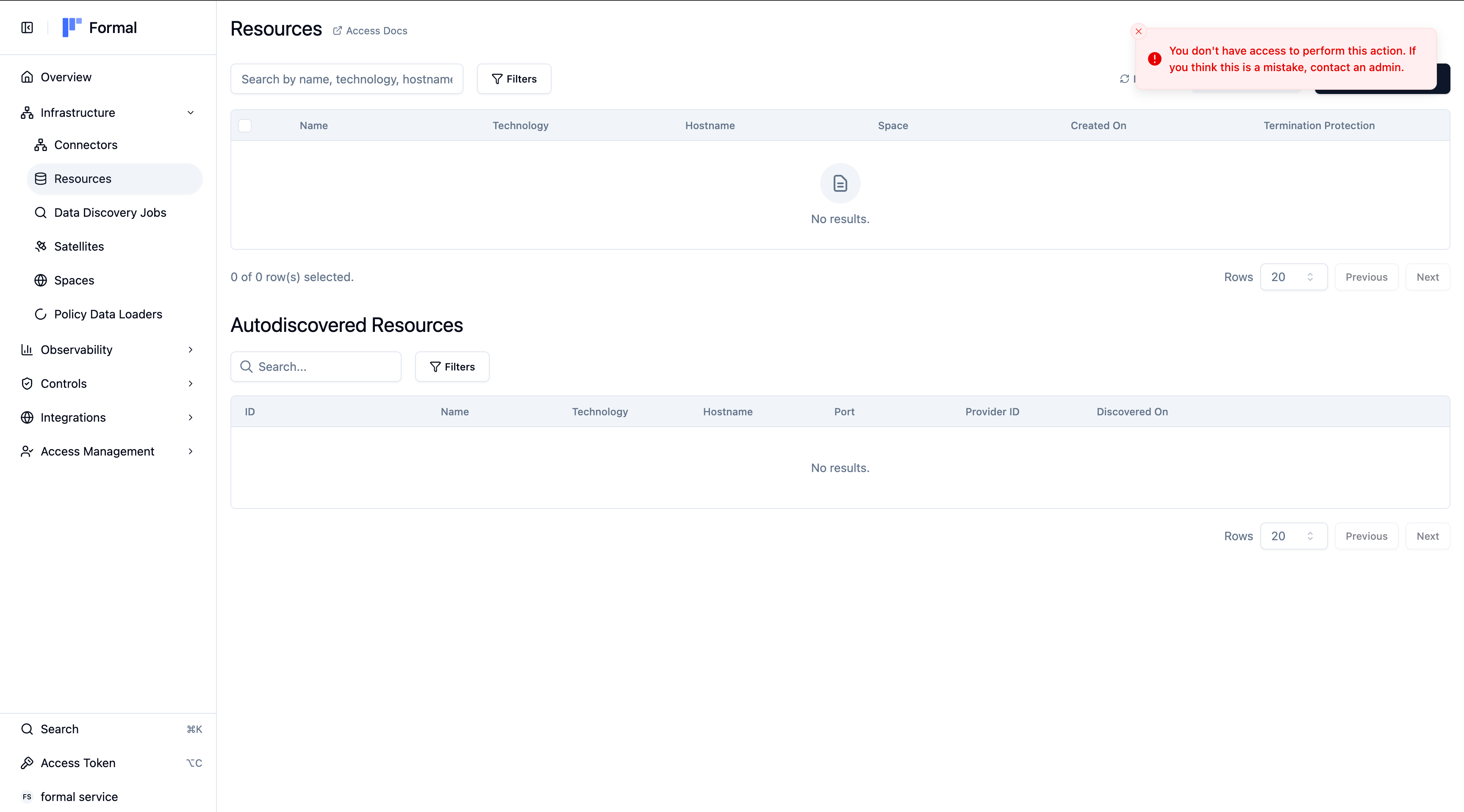
List of inputs
You can block or allow requests based on the following user and application inputs:User inputs
input.user.idinput.user.nameinput.user.emailinput.user.groupsinput.user.ip_addressinput.user.type(i.e.humanormachine)input.user.aws_principal_arn— full AWS principal ARN (AWS SigV4 authentication machine auth only)input.user.aws_account_id— AWS account ID (AWS SigV4 authentication machine auth only)
input.user.aws_principal_arn and input.user.aws_account_id are populated
only for requests authenticated with AWS SigV4.
API key and SSO requests leave these fields empty.Application inputs
input.app.nameinput.app.command.nameinput.app.command.type
input.args).
List of command types
Here is a table listing all command types that can be used. If the API call contains the operation, then it is categorized as the corresponding type.List of applications
API endpoints are segmented into Applications. Here is a table listing all applications that can be configured for access permissions:Public API
Public API
These applications have public API endpoints accessible via API keys or the Control Plane.
Control Plane Only
Control Plane Only
These applications are only accessible through the Control Plane and do not have public API documentation.
For Control Plane only applications, we recommend restricting access at the application level rather than by individual command types, since the available commands are not publicly documented.
Example: Single Application
Below is an example of a Rego policy that grants access to the Sessions application exclusively for users in the admin group.Example: Granular Access Control
- Broad read access: Everyone can view most data using
readcommand types. - Self-service access: Everyone can manage their own credentials in the Access app.
- Administrative access: Users in
security-adminshave unrestricted access to all apps. - Team-specific access: Users in the
engineersgroup can access developer-focused tools.
default allow = false is set, any request that does not match at least one of these allow rules is blocked. Formal returns a 403 Forbidden error for these requests.
Example: Argument-based Access Control
policy_01kg6rhpe7em4rr2v0mcwm0mp4 unless the user is in the security-admins group.
Example: Restrict Access to Logs
Viewing Connector, Desktop, Control Plane, and workflow logs all use the Logs application. There is no separate permission per log source.security-admins can open Logs or call Logs APIs. For Control Plane audit fields and more permission patterns, see Control Plane Logs.
Example: AWS SigV4 machine access
Useinput.user.aws_principal_arn and input.user.aws_account_id to scope
AWS SigV4-authenticated machine users by
AWS principal or account.
123456789012 whose principal ARN starts
with arn:aws:iam::123456789012:role/formal-.