

Logs
The Connector emits logs to stdout/stderr that can be captured in your log collector of choice. For example, if deploying your Connector on ECS Fargate using Terraform, uselogConfiguration to route these logs to be sent to your observability tool of choice:
Metrics
The Connector emits metrics over OTLP/gRPC to an OpenTelemetry Collector such as the Datadog Agent to 127.0.0.1 port 4317 by default. This endpoint can be customized via connector configuration settings. The Connector currently emits the following metrics:formal.connector.instance.heartbeat: A heartbeat gauge metric once every 30 seconds to verify Connector instance uptime.formal.connector.memory.usage_percent: A memory usage percentage gauge metric based on the connector’s runtime memory allotment. Note that these percentages may look different than the host’s memory usage if the memory allotted to the Connector is less than the overall host.formal.connector.connections_opened: A counter that is incremented every time the instance accepts a new TCP connection from a client.formal.connector.connections_closed: A counter that is incremented every time the instance closes a TCP connection from a client.formal.connector.active_connections: A gauge metric of the current number of open TCP client connections that the instance has.formal.connector.control_plane.pings_received: A counter metric that is incremented every time we receive a ping from the Control Plane.formal.connector.resource_health_check: A gauge metric of resource health checks.
Deploying an OpenTelemetry Collector
By default the Connector sends metrics to an OpenTelemetry Collector at127.0.0.1 port 4317, so a Collector on the same host works out of the box. For this setup, run the Datadog Agent as a container on that host (so it is reachable over 127.0.0.1) and set the DD_OTLP_CONFIG_RECEIVER_PROTOCOLS_GRPC_ENDPOINT=0.0.0.0:4317 environment variable.
You can also configure the Connector to send metrics to a different hostname and port using the Connector configuration settings, either from the Control Plane or with Terraform. In Terraform, use the otel_endpoint_hostname and otel_endpoint_port fields in your formal_connector_configuration resource to specify a custom OpenTelemetry endpoint. If nothing is listening on the configured endpoint, the Connector will refrain from sending metrics entirely.
Note: these metrics are not sent over TLS, so make sure the OpenTelemetry endpoint is in your trusted network.
Datadog Dashboard
To visualize connector health in a single place, we provide a template dashboard for you to import into your Datadog instance.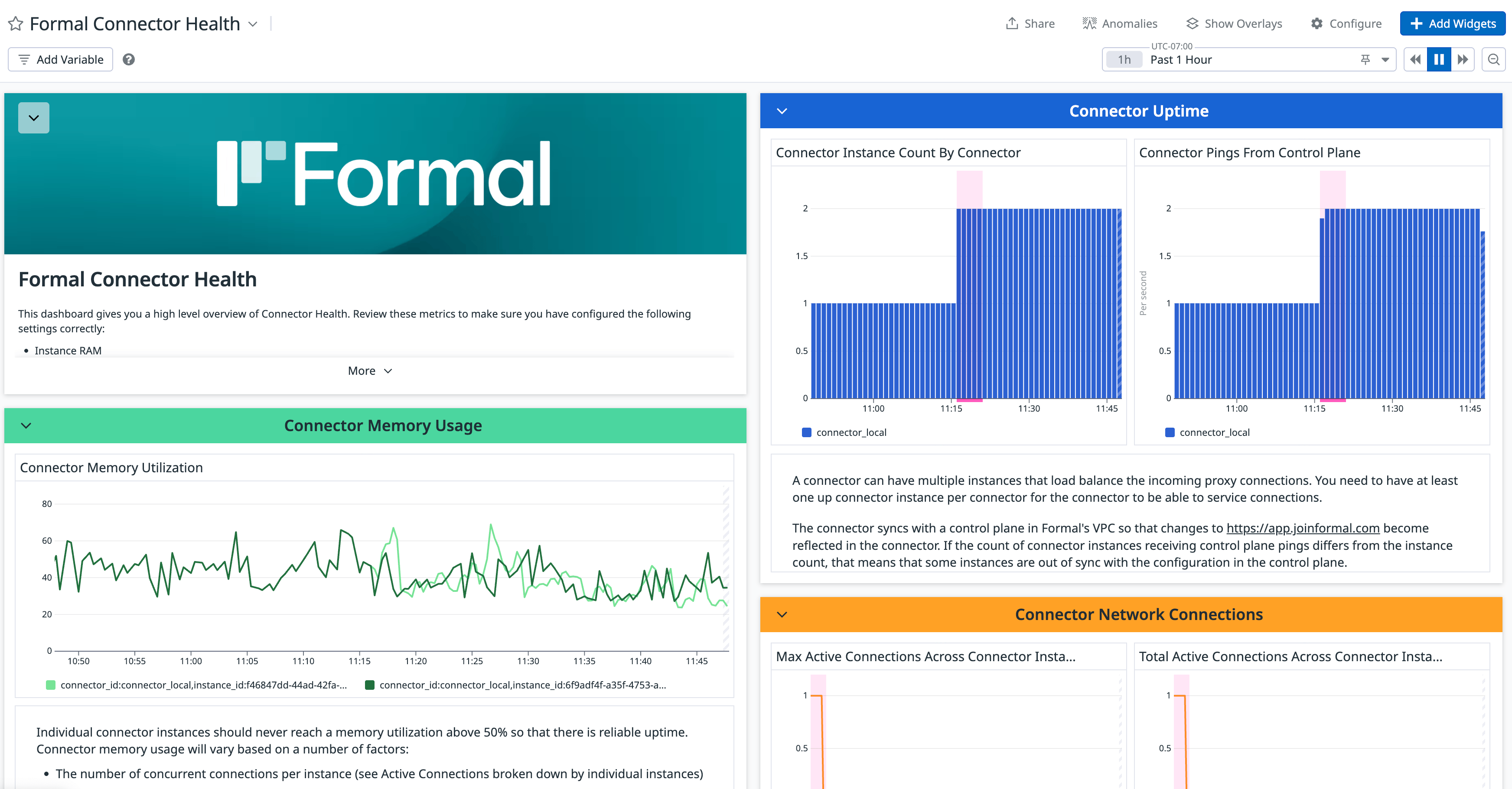
- Download the template JSON.
- Sign in to your Datadog account.
- Navigate to the Dashboard List page.
- Choose the + New Dashboard button.
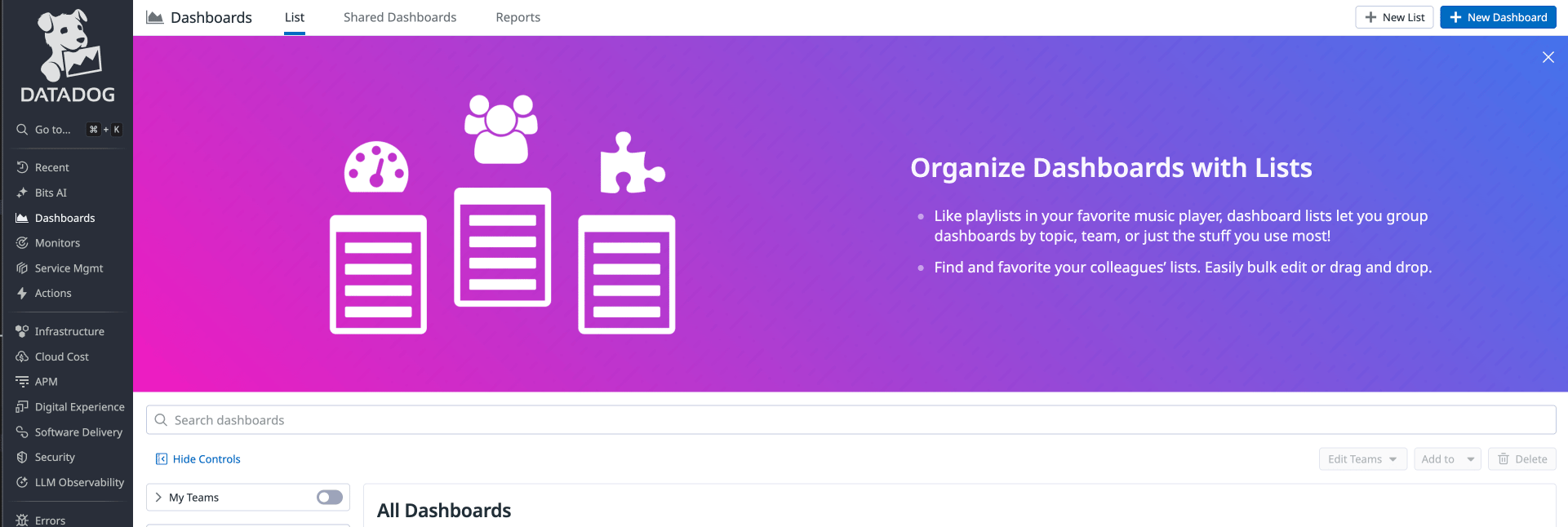
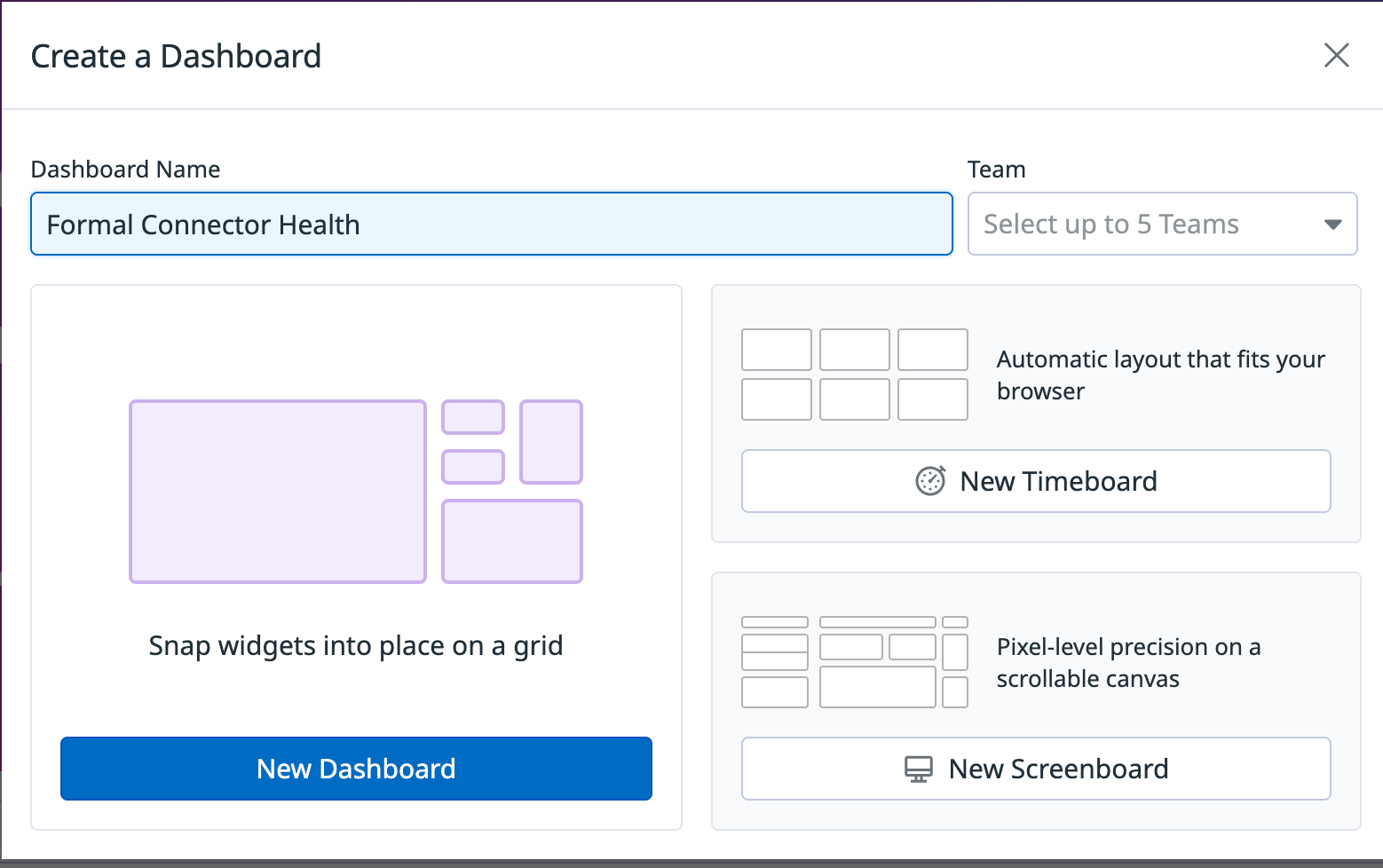
- Enter a dashboard name.
- Choose the New Dashboard button.
- In the new dashboard, choose the Configure button.
- Choose the Import dashboard JSON button.
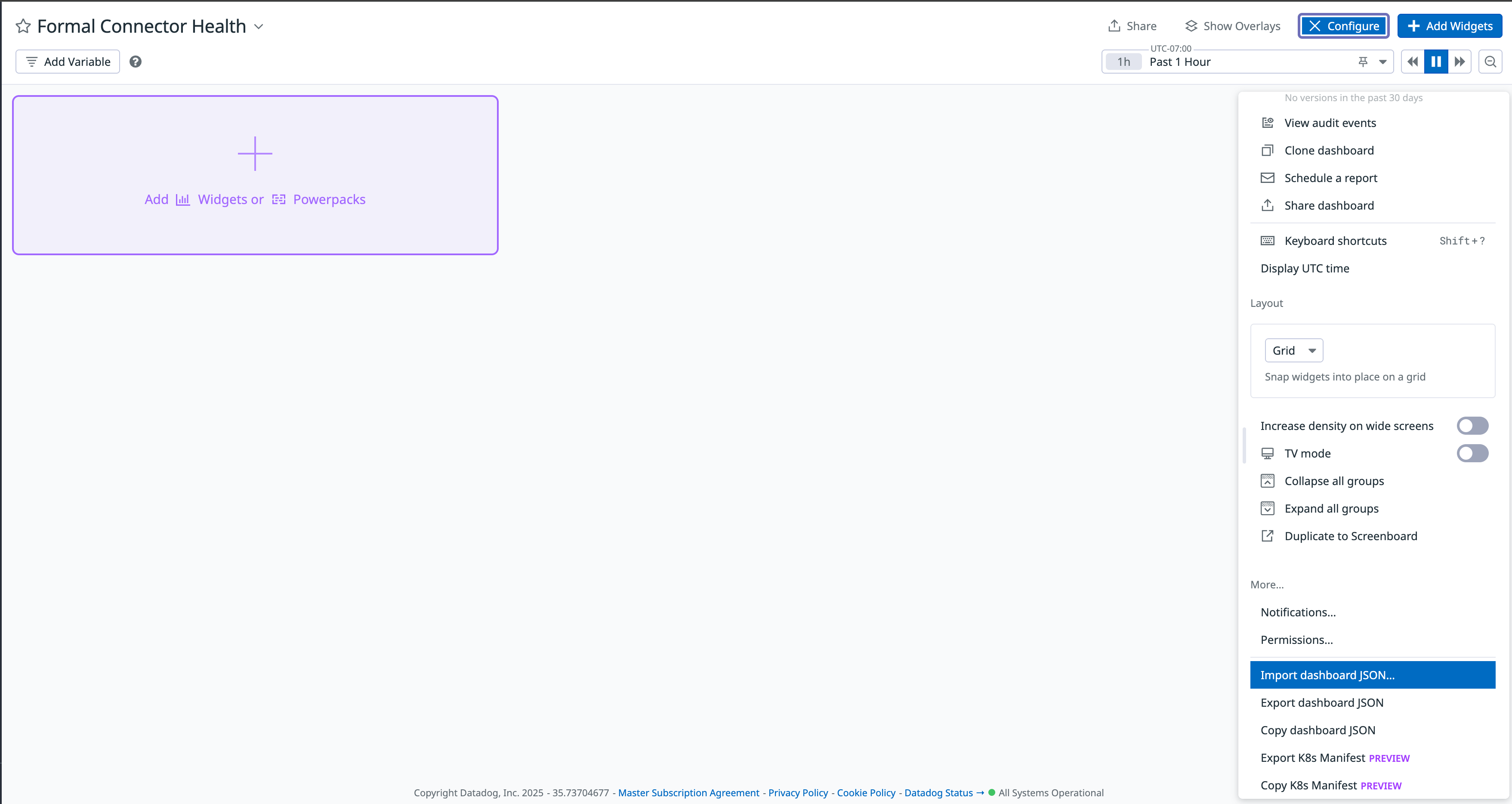
- Upload the dashboard JSON file downloaded in the previous steps.
Grafana Dashboard
If you use Grafana with Prometheus, we provide a template dashboard for you to import into your Grafana instance.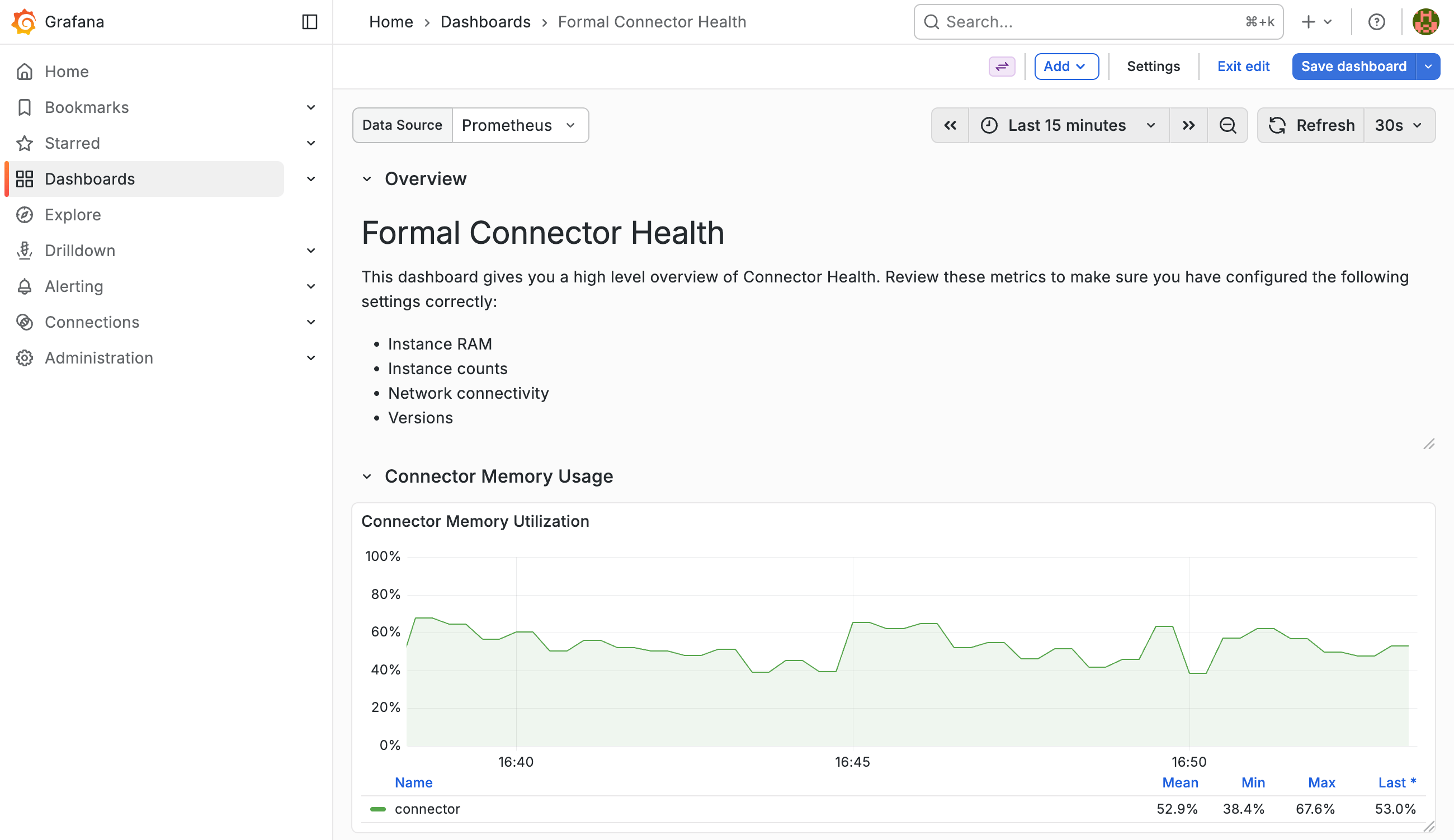
- Download the template JSON.
- Sign in to your Grafana instance.
- Navigate to Dashboards in the side menu.
- Choose the New button, then Import.
- Upload the dashboard JSON file or paste its contents.
- Select your Prometheus data source when prompted.
- Choose Import.